First-Time Setup
Install Trinity, create your admin account, and start managing agents in minutes.
Concepts
Setup Wizard— A one-time configuration flow that appears on your first visit to create the admin account.
Admin Account— The primary account with full platform access, authenticated by username and password.
Email Login— A passwordless authentication method where users receive a one-time code via email.
Prerequisites
Docker Desktop installed and running
Install from docs.docker.com/get-docker
Git
Required for GitHub-based agent templates.
A modern web browser
Installation
Clone the repository
git clone https://github.com/abilityai/trinity.git
cd trinityStart all services
./scripts/deploy/start.shThis builds the base agent image and starts the backend, frontend, MCP server, Redis, and Vector.
Open the dashboard
Navigate to http://localhost in your browser.
First-Time Setup Wizard
On your first visit, Trinity displays a setup wizard. Set your admin password — it is stored with bcrypt hashing. This creates the admin account that you will use to log in.
Logging In
Admin login
Enter username admin and the password you set during setup.
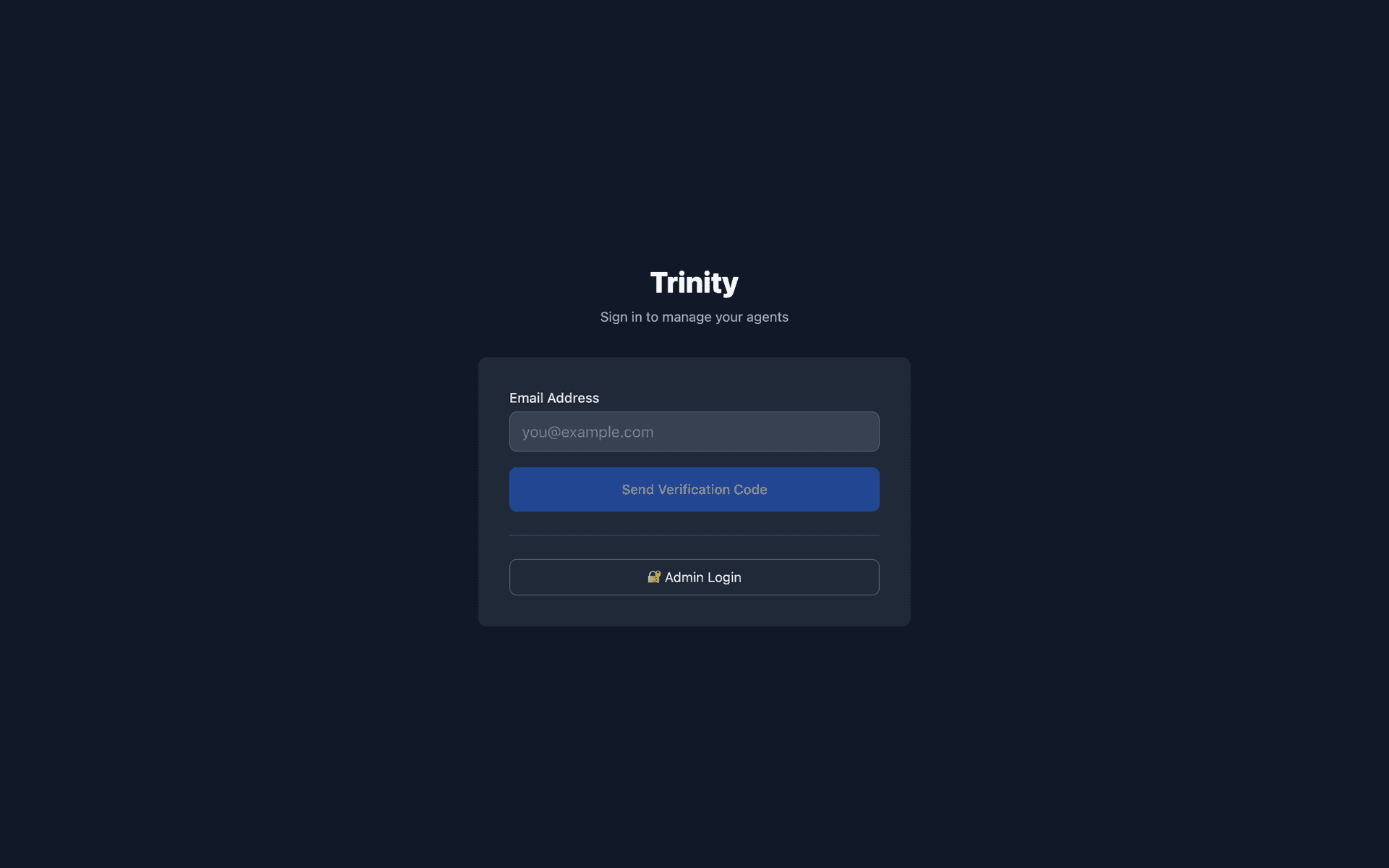
Email login (passwordless)
Enter your email address, receive a 6-digit verification code, and submit it to log in. This requires email service configuration. The admin manages allowed email addresses under Settings > Email Whitelist.
Key URLs
| Service | URL |
|---|---|
| Web UI | http://localhost |
| Backend API docs | http://localhost:8000/docs |
| MCP Server | http://localhost:8080/mcp |
Stopping and Starting
# Stop all services
./scripts/deploy/stop.sh

# Start all services
./scripts/deploy/start.sh

# Rebuild services after code changes
docker-compose build

# View backend logs
docker-compose logs -f backend
Settings Page (Admin Only)
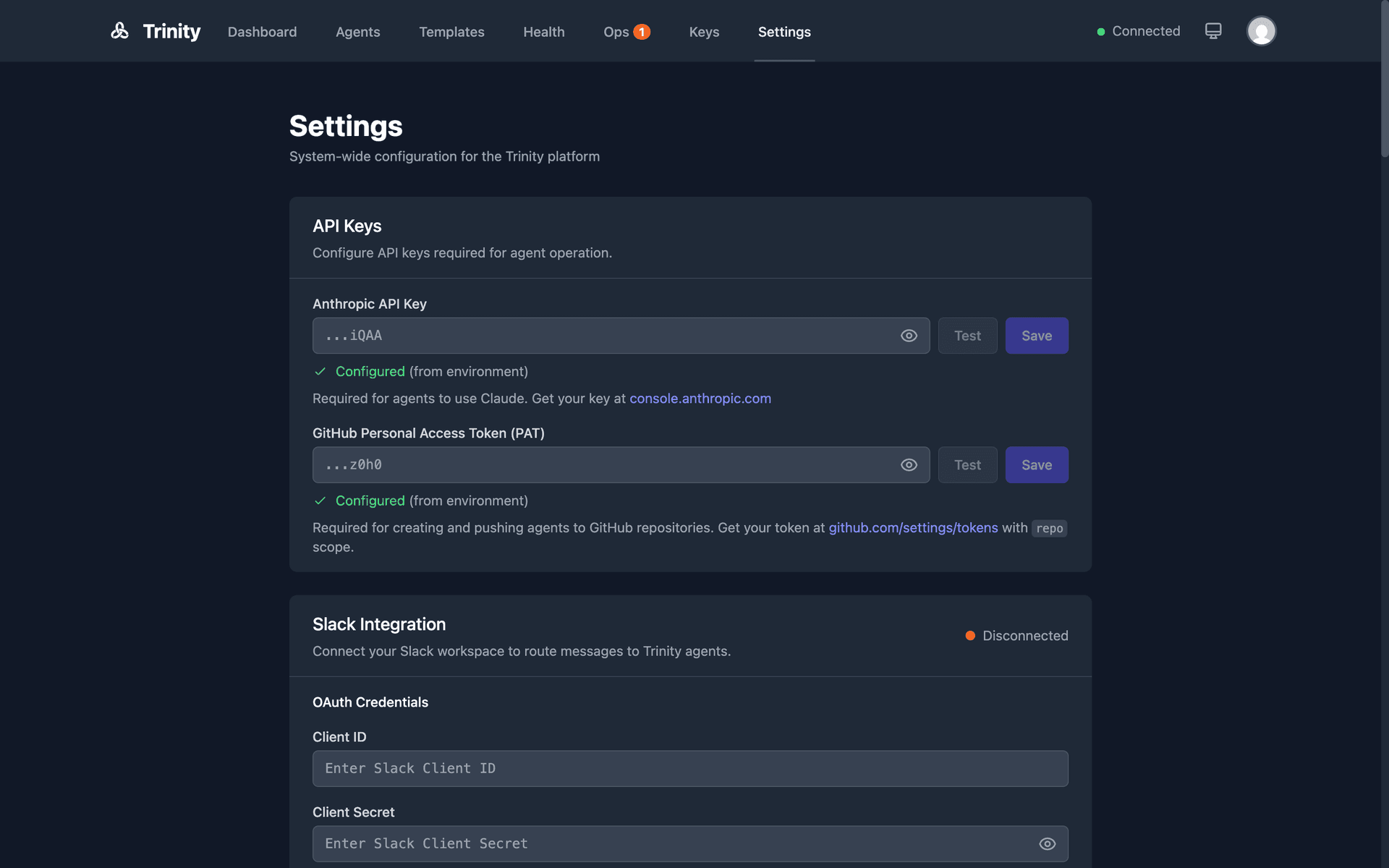
From the Settings page, the admin can configure:
Email Whitelist— Control which email addresses can log in.
GitHub Templates— Manage template repositories for agent creation.
Platform API Keys— Generate and revoke API keys for programmatic access.
Slack Integration— Connect Trinity to a Slack workspace.
System Prompt— Set the system-wide Trinity prompt applied to all agents.
For Agents: Authentication
Authentication Endpoint
POST /api/token
Content-Type: application/x-www-form-urlencoded

username=admin&password=YOUR_PASSWORD
Returns:
{
  "access_token": "eyJ...",
  "token_type": "bearer"
}
Using the Token
Include the token in the Authorization header for all authenticated requests:
curl -H "Authorization: Bearer YOUR_ACCESS_TOKEN" \
  http://localhost:8000/api/agents
Token Details
JWT tokens are valid for 7 days.
Tokens are invalidated when the backend restarts. Re-login is required.
MCP API keys (prefixed trinity_mcp_) also work as Bearer tokens.
Unauthenticated Endpoints
The following endpoints do not require authentication:
GET /api/auth/mode— Returns the current authentication mode.
GET /api/setup/status— Returns whether initial setup is complete.
POST /api/token— The login endpoint itself.
Limitations
Backend restarts invalidate all active JWT tokens. All users and integrations must re-authenticate.
Email login requires a configured email service. Without it, only admin password login is available.
Trinity requires Docker Desktop. It cannot run without Docker.