Create Your First Agent in 5 Minutes
Create and interact with a Trinity agent using the Web UI, API, or MCP tools.
Log In
Open http://localhost and log in as admin.
Create an Agent
Click Create Agent on the Dashboard or Agents page.
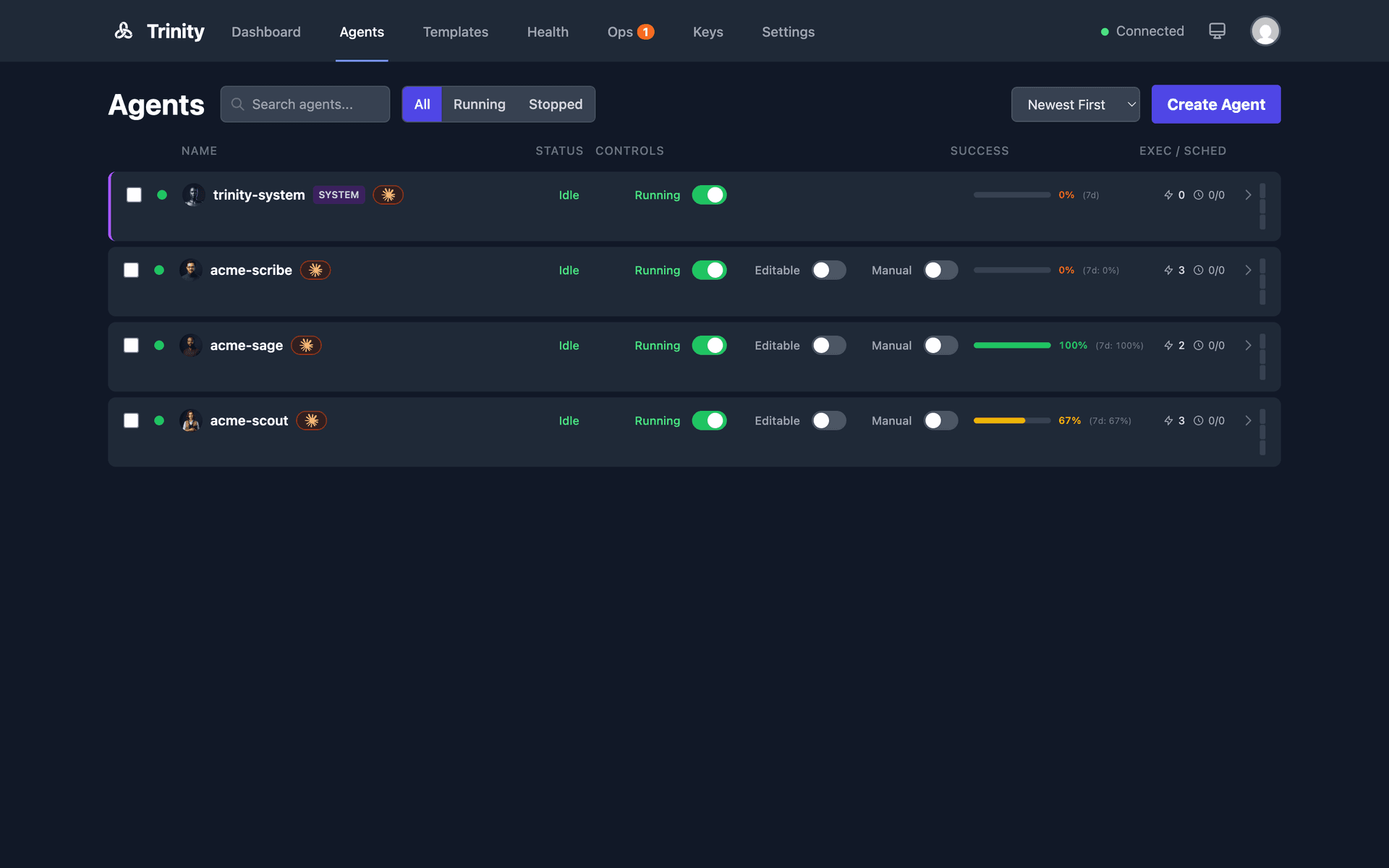
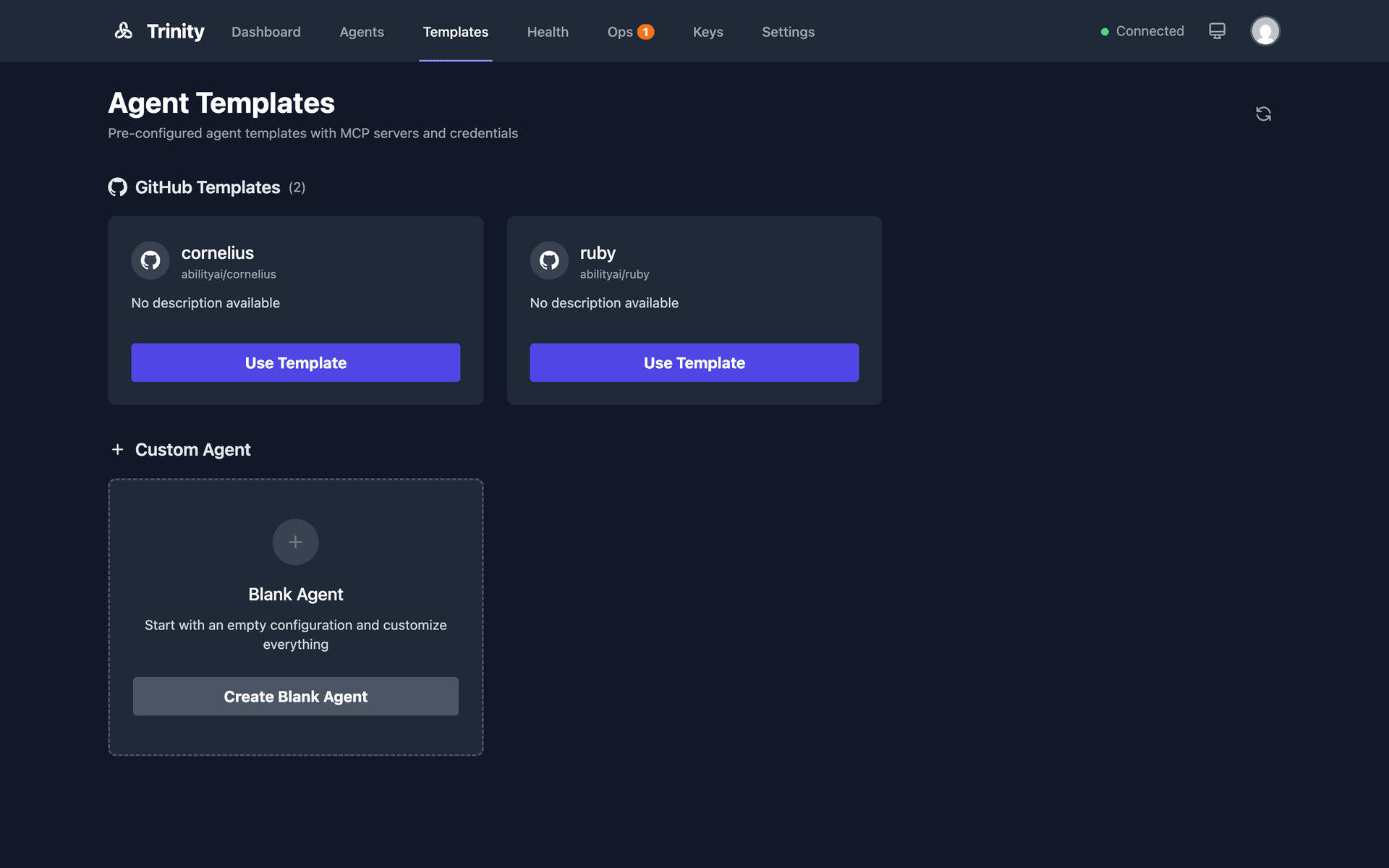
Choose a template:
GitHub template— Select from configured repos (e.g., pre-built agent templates).
From scratch— Creates a minimal agent with a default CLAUDE.md.
GitHub URL — Paste github:Org/repo or github:Org/repo@branch for a specific branch.
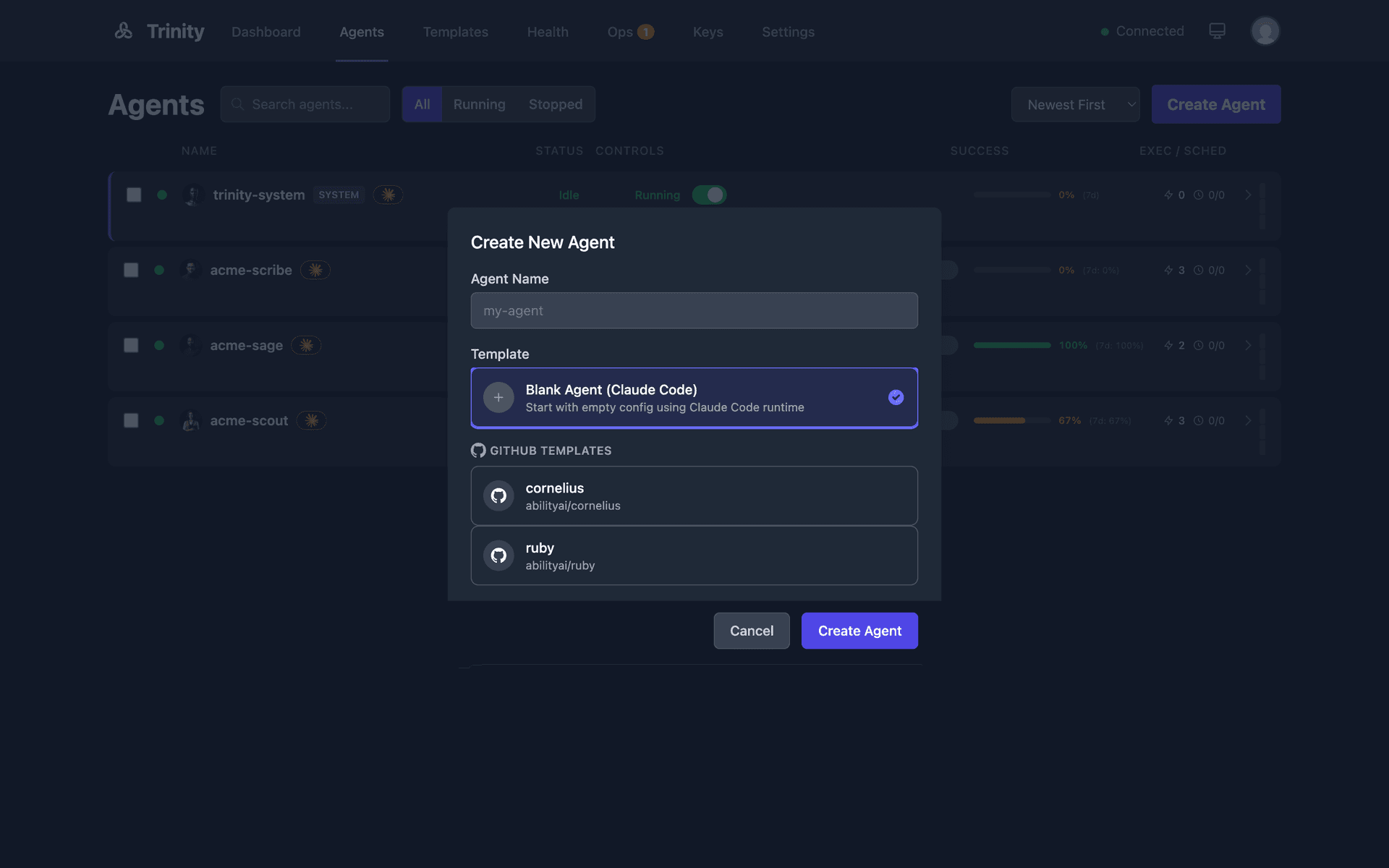
Enter an agent name (lowercase, hyphens allowed).
Click Create— Trinity clones the template, builds the container, and starts it.
What Happens After Creation
A Docker container is built from the trinity-agent-base image.
Template files are copied into the agent's workspace at /home/developer/.
Credentials from .mcp.json.template are detected and shown as “missing” until configured.
The agent starts automatically and appears on the Dashboard.
Interacting With Your Agent
Navigate to the agent's detail page to interact via the following tabs:
Terminal tab— Direct Claude Code TUI access (Claude/Gemini/Bash modes).
Chat tab— Simple chat bubble interface.
Tasks tab— Send one-off tasks and view execution history.
Files tab— Browse and edit agent workspace files.
Next Steps
Add credentials in the agent's Credentials tab.
Send a task via the Tasks tab or chat via the Chat tab.
Set up schedules for autonomous operation.
Configure permissions if building multi-agent systems.
For Agents: Via the API
# Get auth token
TOKEN=$(curl -s -X POST http://localhost:8000/api/token \
  -d 'username=admin&password=YOUR_PASSWORD' | python3 -c "import sys,json; print(json.load(sys.stdin)['access_token'])")

# Create agent from template
curl -X POST http://localhost:8000/api/agents \
  -H "Authorization: Bearer $TOKEN" \
  -H "Content-Type: application/json" \
  -d '{"name": "my-agent", "template": "github:Org/repo"}'
For Agents: Via MCP
create_agent(name="my-agent", template="github:Org/repo")